Checkout
What your customers see, and the two ways they can pay.
Every payment link has a checkout page at /pay/<payment link id> on your server. It needs no login and no API key: anyone with the link can pay it.
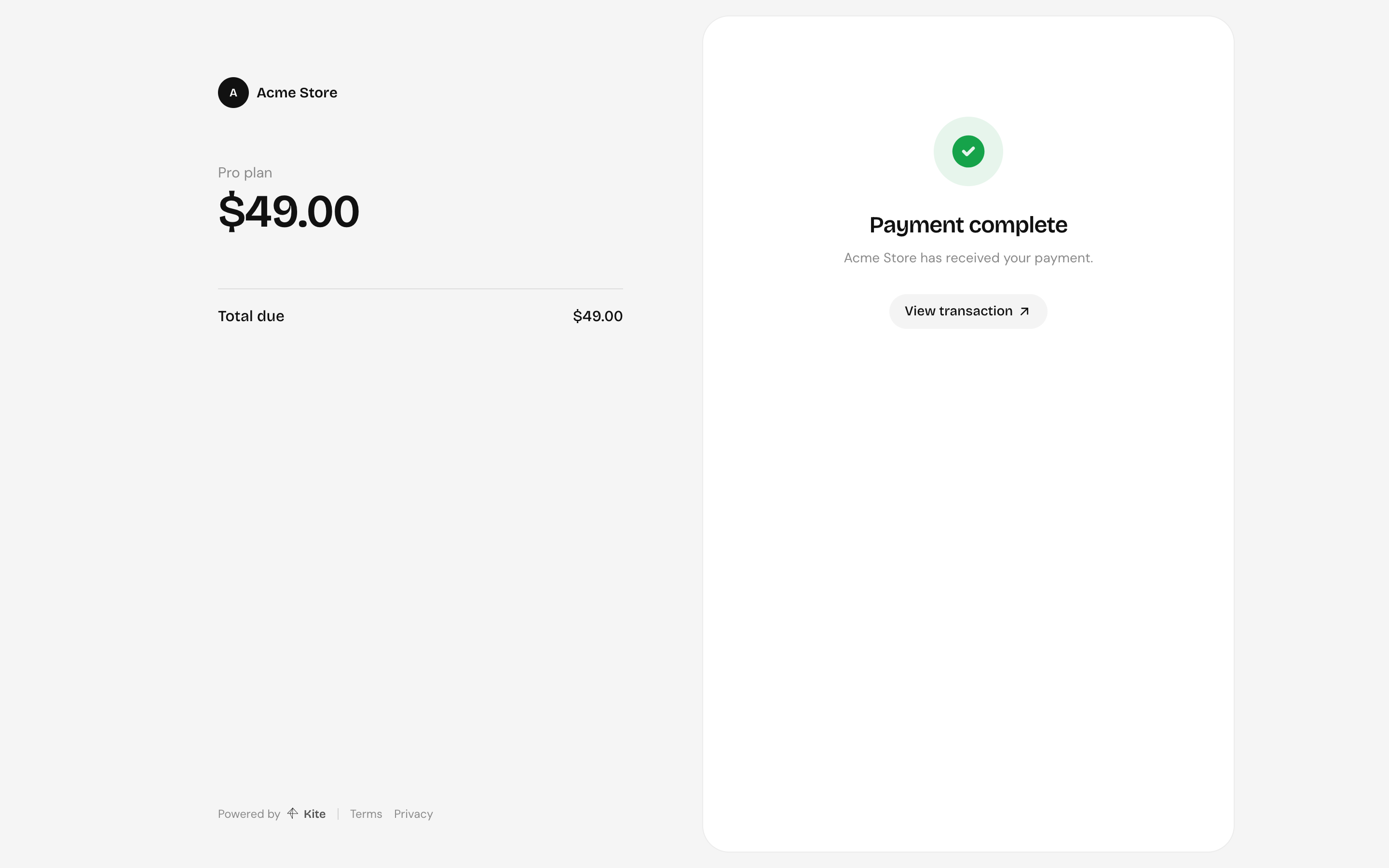
The left side shows what's being paid for: the app, the title, line items and the total. The right side takes the payment.
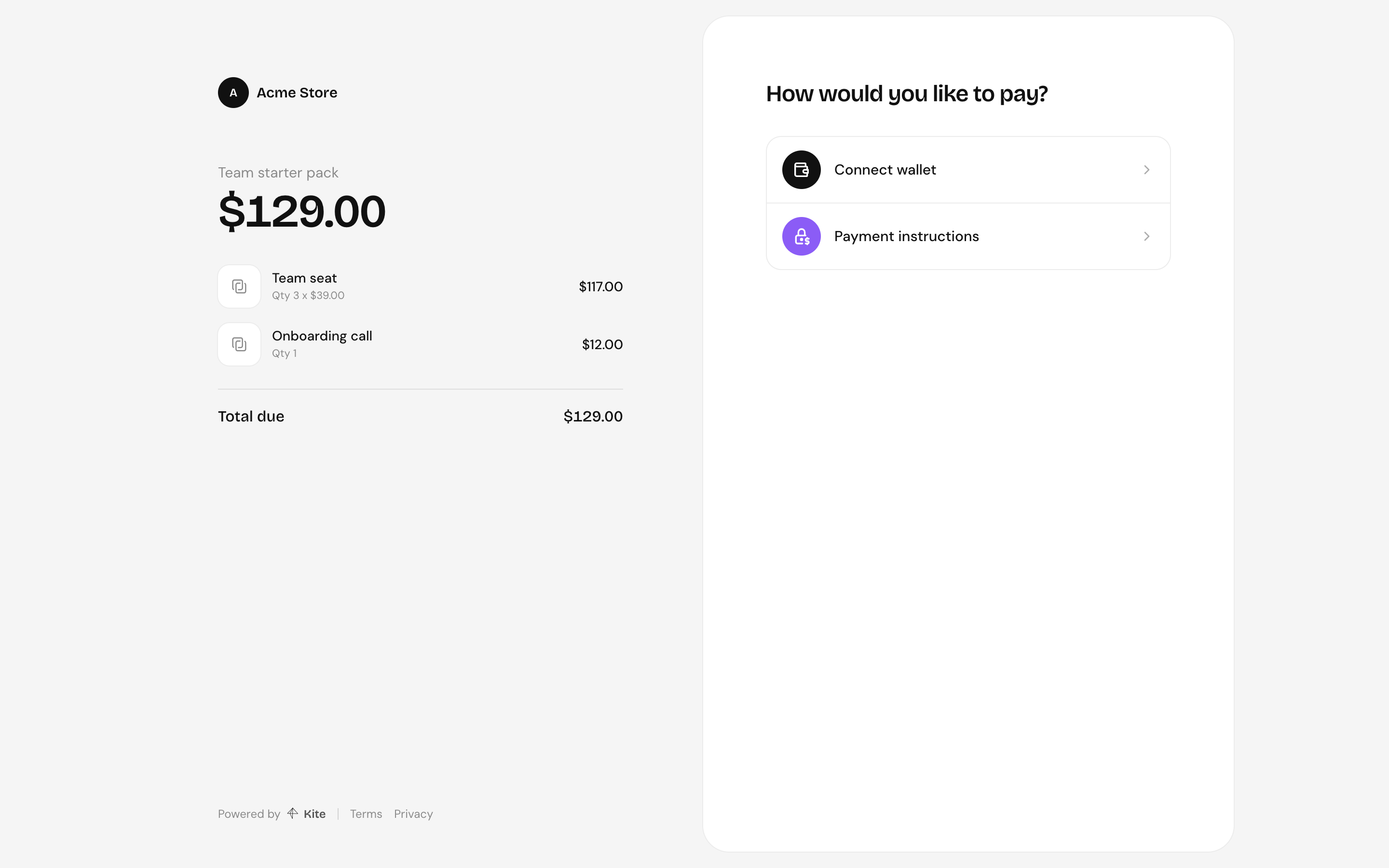
Paying by sending tokens
Works with any token on any configured chain, from any wallet or exchange.
-
Payment instructions, then pick a network and token. Customers can search, or paste a token's address to pay with one that isn't listed.
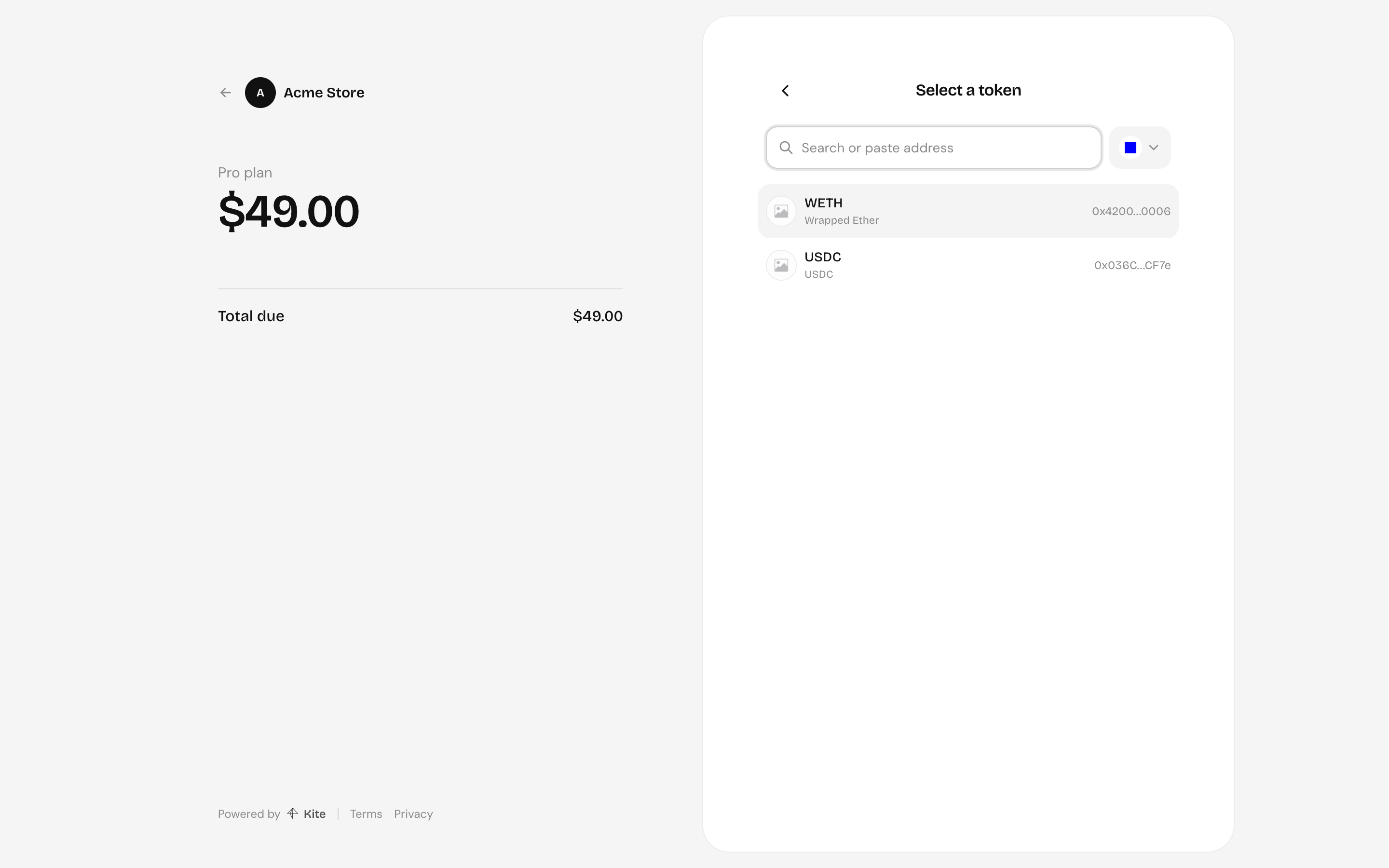
-
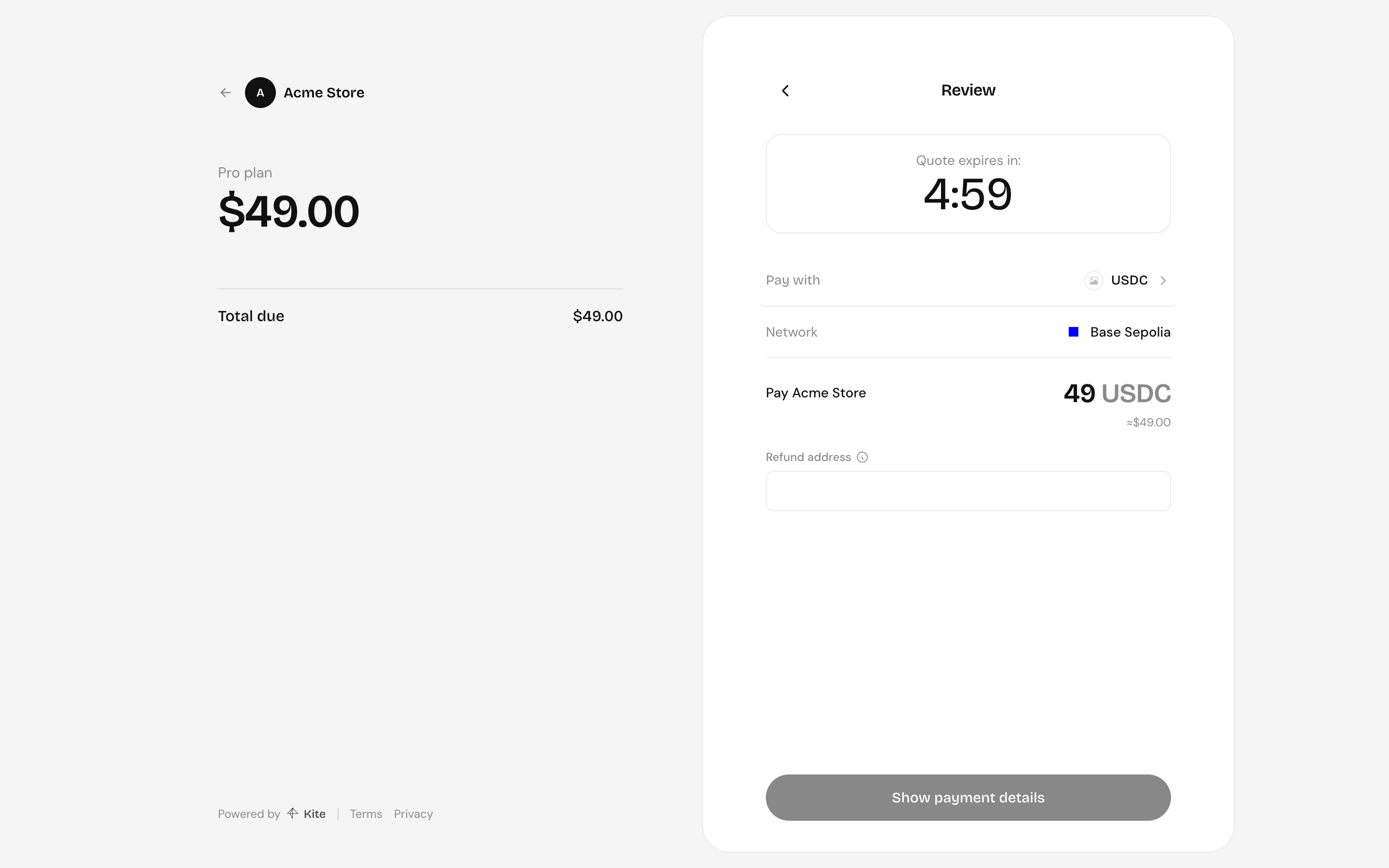
Review the amount in that token. The quote holds for 5 minutes. The customer gives a refund address, where the funds go if the payment can't be completed. It should be a wallet they control, not an exchange deposit address.
-
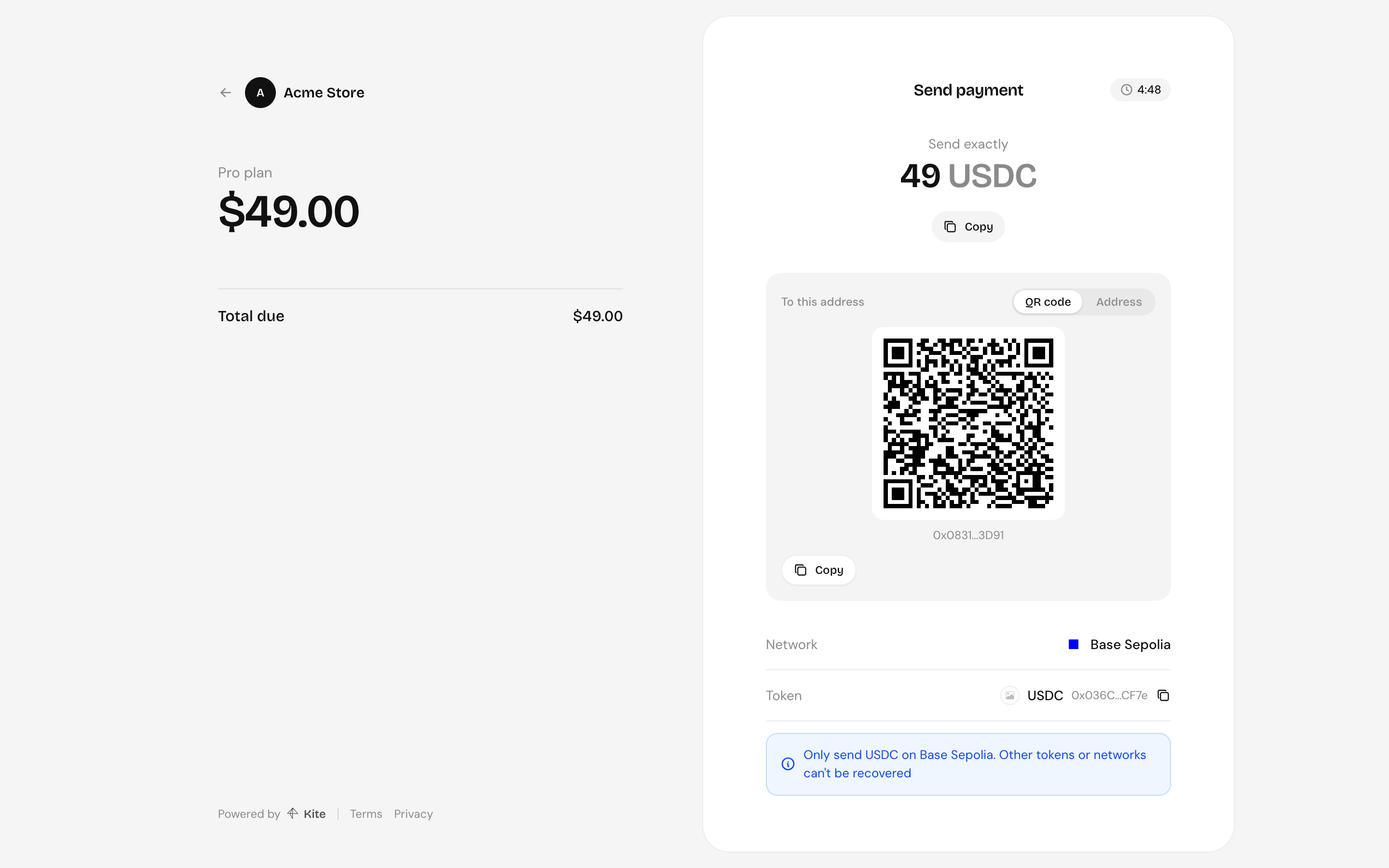
Send exactly the amount shown to the address, as a QR code or as text. The QR code fills in the token, network and amount in wallets that support payment requests (EIP-681); the address tab is there for everything else.
-
The page follows the transfer and shows the result once it settles.
Paying from a wallet
Connect wallet pays from a browser wallet in one step. The checkout opens the transfer with the connected wallet as the refund address, then asks the wallet to send the quoted amount to the payment's address. It is an ordinary token transfer, so the customer pays the network's gas, as they would sending from any wallet.
Gasless payments with x402 are for HTTP clients, such as agents, that request the payment link directly rather than opening the page.
Payment windows
A transfer stays open until its quote expires. If nothing arrives in time, it's cancelled and the page offers to start over. If the customer sends less than the amount, or pays after the window, the funds are refunded to their refund address.